🔊 Read It or Hear It — Your Way
When readers download eBooks directly from Lee’s Novels and Books, they can:
- Read in the Kindle app (just import the file).
- Or listen with any read-aloud app — turning your eBook into a DIY audiobook instantly!
- No special subscription needed. No locked format. Freedom to choose.
📚 Lee’s Easy Hacks to Reading Your E-Bookz on Your Device Using the Kindle App
From Lee’s Novels and Books — Your modern-day hero for hassle-free reading!
🚀 Lee’s Hack #1 – On Your Phone or Tablet (Android or Apple)
Get your book on your device in a flash:
- Download the free Kindle app (it’s your reading helper — your book stays safely on your device)
- Locate the e-book file from your email or downloads folder.
- Press and hold the file → Tap Share → Select the Kindle app.
Boom! Your book is now saved on your device — ready to go wherever you do. No strings, no gimmicks.
💻 Lee’s Hack #2 – On Your Laptop or Desktop
Big screen reading, fully under your control:
- Download the free Kindle app for PC or Mac:
Get Kindle for Desktop - Open the app.
- Drag and drop your e-book file into the Kindle app window.
Your book is now yours — stored safely on your device, ready whenever you want.
🙋♂️ Lee’s Final Hack – Stuck? Need Help?
Don’t sweat it! Reach out any time:
📧 [email protected]
Your reading journey is our mission. We’ll get you started fast and smooth.
🎧 Lee’s Listening Hacks
Turn your e-bookz into read-aloud adventures — on any computer!
Because sometimes, your eyes are busy but your mind’s still hungry. Whether you’re cooking, cleaning, or just kicking back, here’s how to listen to your e-books on Windows and Mac — no special audiobook needed.
🧠 Lee’s Hack #– 1Microsoft Edge (Built-in on Windows 10 & 11)
No downloads. Just right-click and go!
- Open your e-book (PDF or EPUB) in Edge
- Right-click anywhere and select “Read Aloud”
- Adjust voice and speed to your liking
📌 Tip: It’s smoother than most folks expect!
🧠 Lee’s Hack #2 – Apple Books + VoiceOver (Mac)
For the Apple lovers out there.
- Open EPUB files directly in Apple Books
- Enable macOS VoiceOver (in System Preferences > Accessibility > Spoken Content)
- Let Siri read your books aloud with a few quick settings
🧑💻 Bonus: Great for multitasking on your Mac while staying in the story.
🙋♂️ Lee’s Final Hack – Want It as an Audiobook Instead?
If you’d rather listen to the real thing, professionally voiced by yours truly (or by a sweet synthetic narrator), check the audiobook version right here:
🔗 Shop Audiobookz at Lee’s Novels and Books
Need help? Confused? Want to hear a voice sample before diving in?
📧 [email protected] — I’ll help you tune in and chill out.
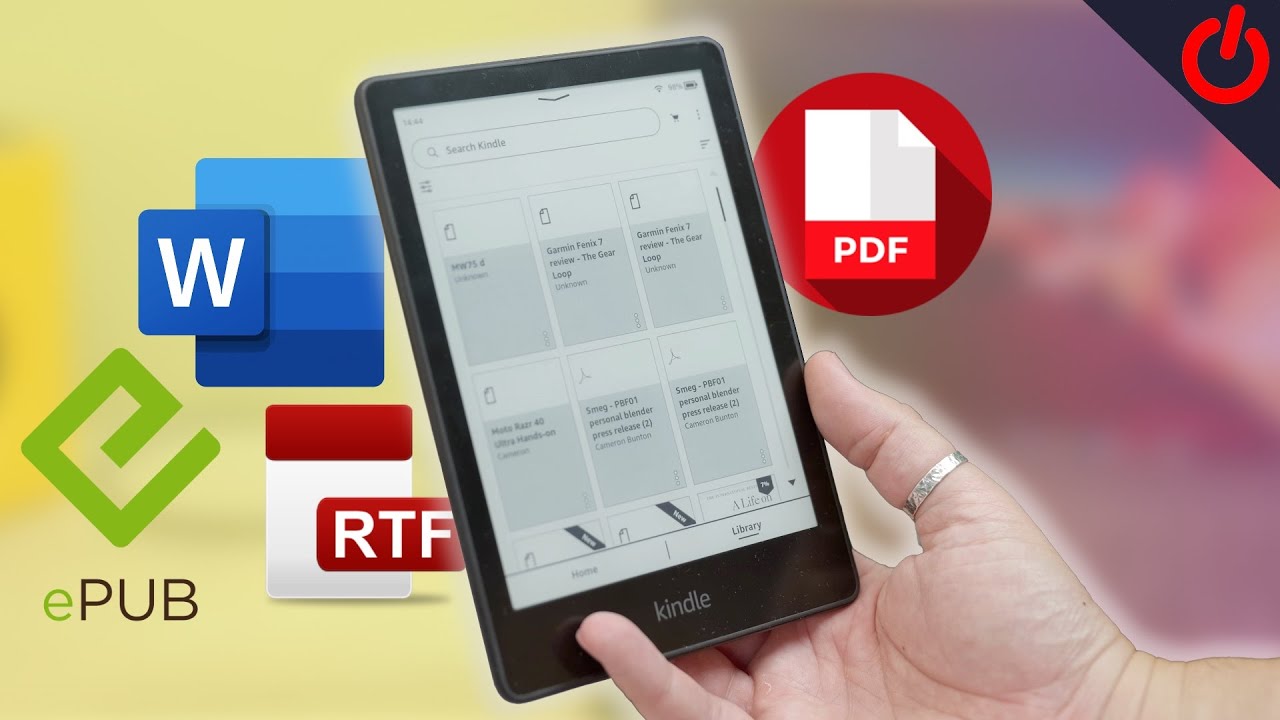
This video may also help you enjoy your recent e-book purchase, seamlessly, on your kindle.